
How do I manage calendar preferences in settings?
Published on: 04/11/2026
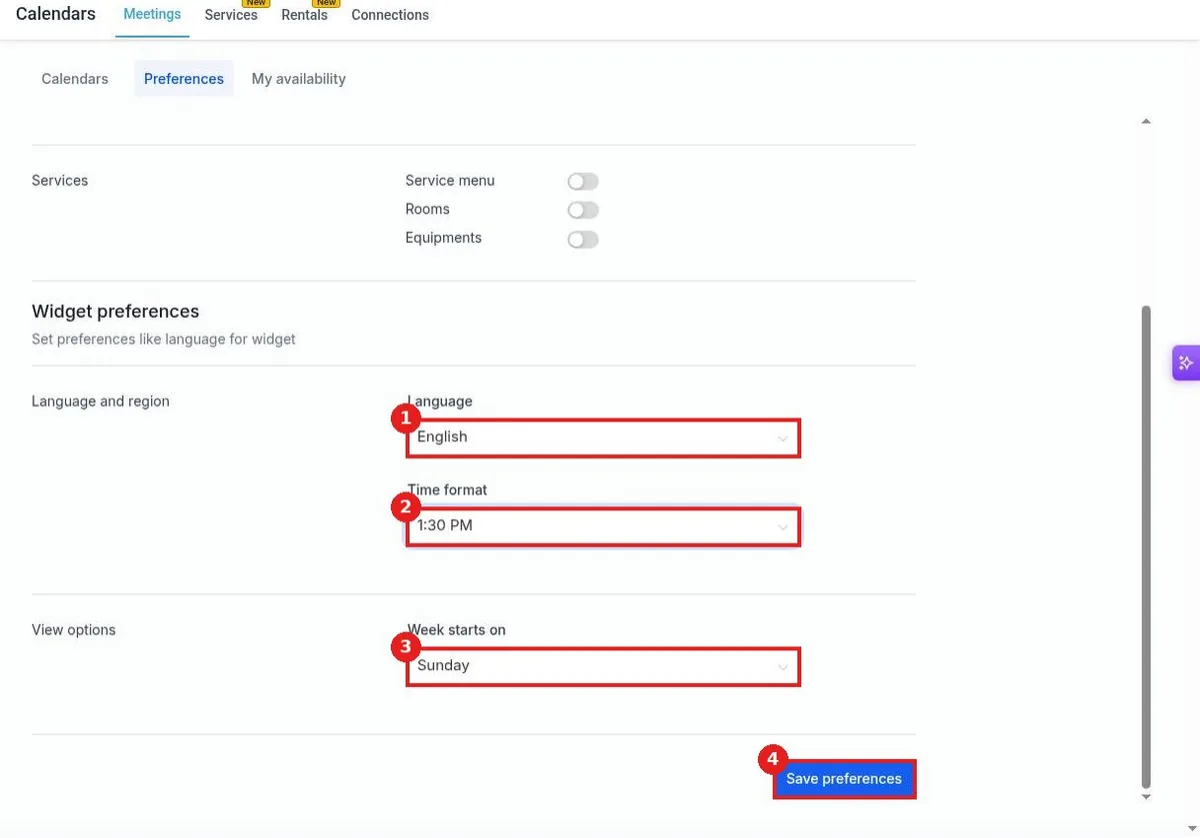
Manage calendar preferences in Reachific: go to Settings, Calendars, open Preferences, set the week start day, turn on services like rooms and equipment, choose the booking widget language and time format, then click Save preferences.
calendar settingscalendar preferencesbooking widgethelp center